 Megamind Apps
Pick a date and hours
Open Day settings to set the start and end of the planning window. Give the day a name if it helps you find it later.
See the free hours in your trip day.
Enter your reservations, transit and planned stops. Choose the hours you want to plan, then see the free windows and which bookings overlap.
Android 8.0 and later · Works offline
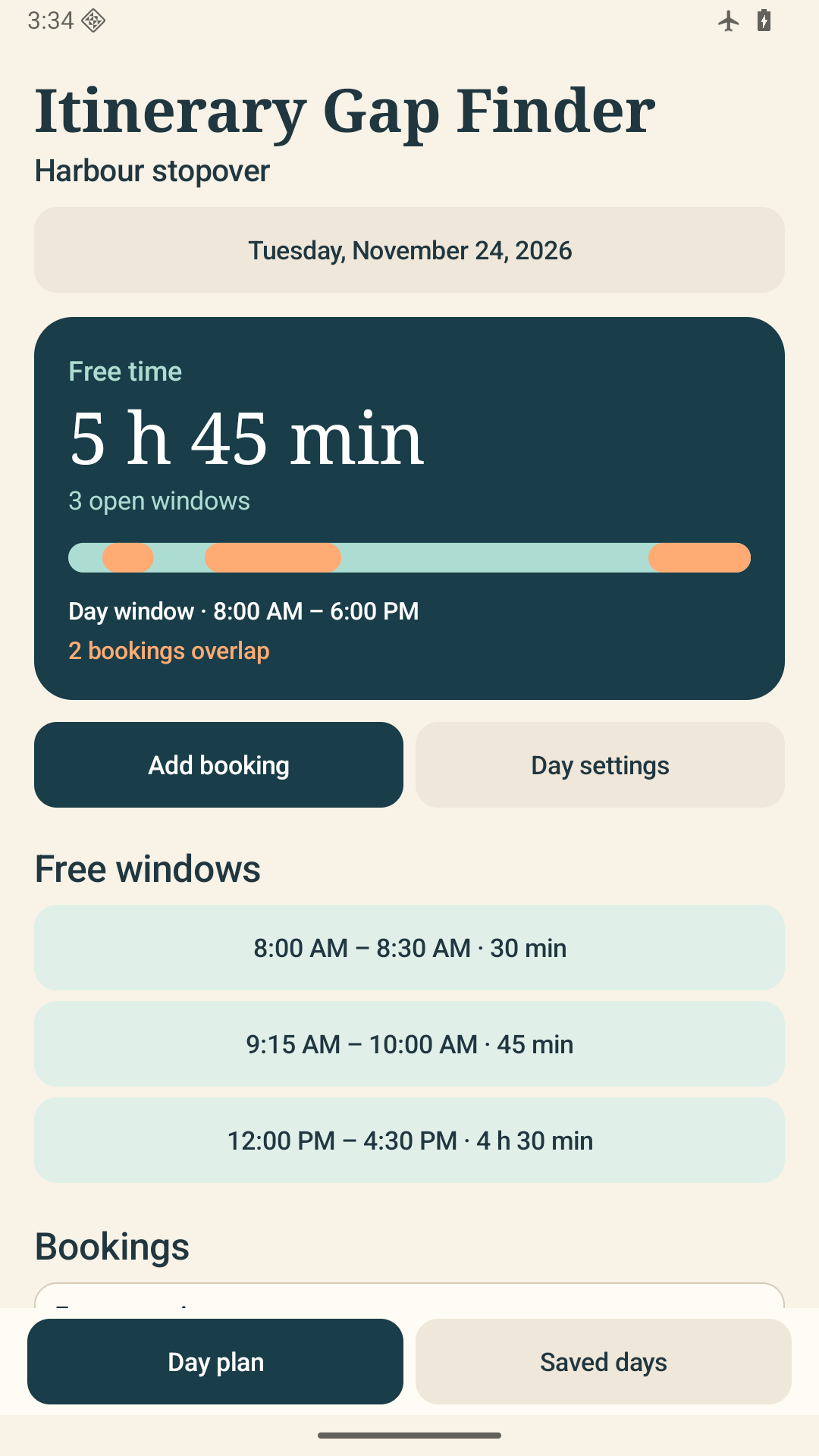
Open Day settings to set the start and end of the planning window. Give the day a name if it helps you find it later.
Enter the name, start time and end time for each booking. Use the optional note for details you want to keep on your device.
Tap a free window to begin adding a booking in it. Open Saved days to revisit a plan.
Include your Android version and the steps that led to the issue.
Email Megamind Apps